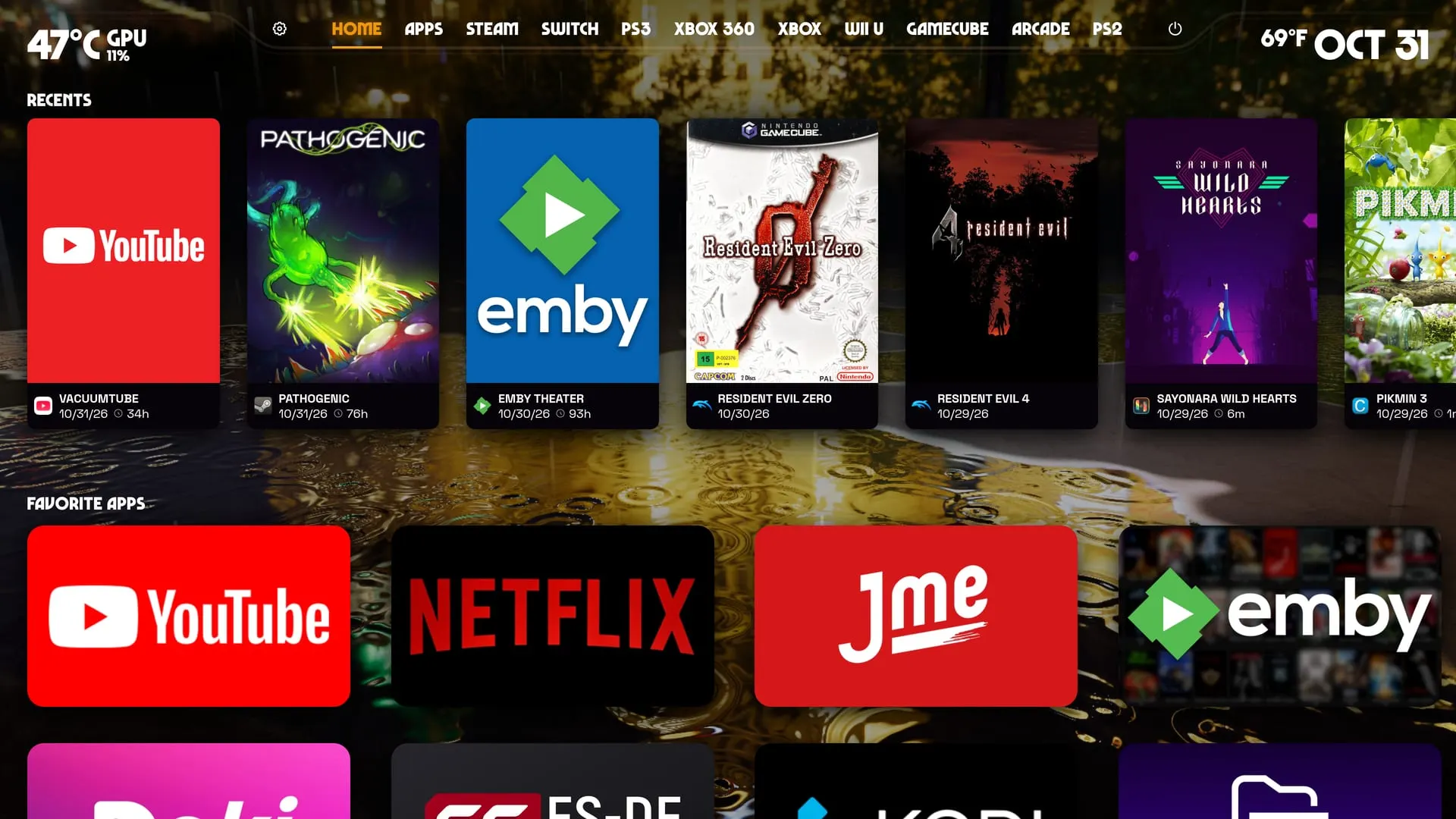
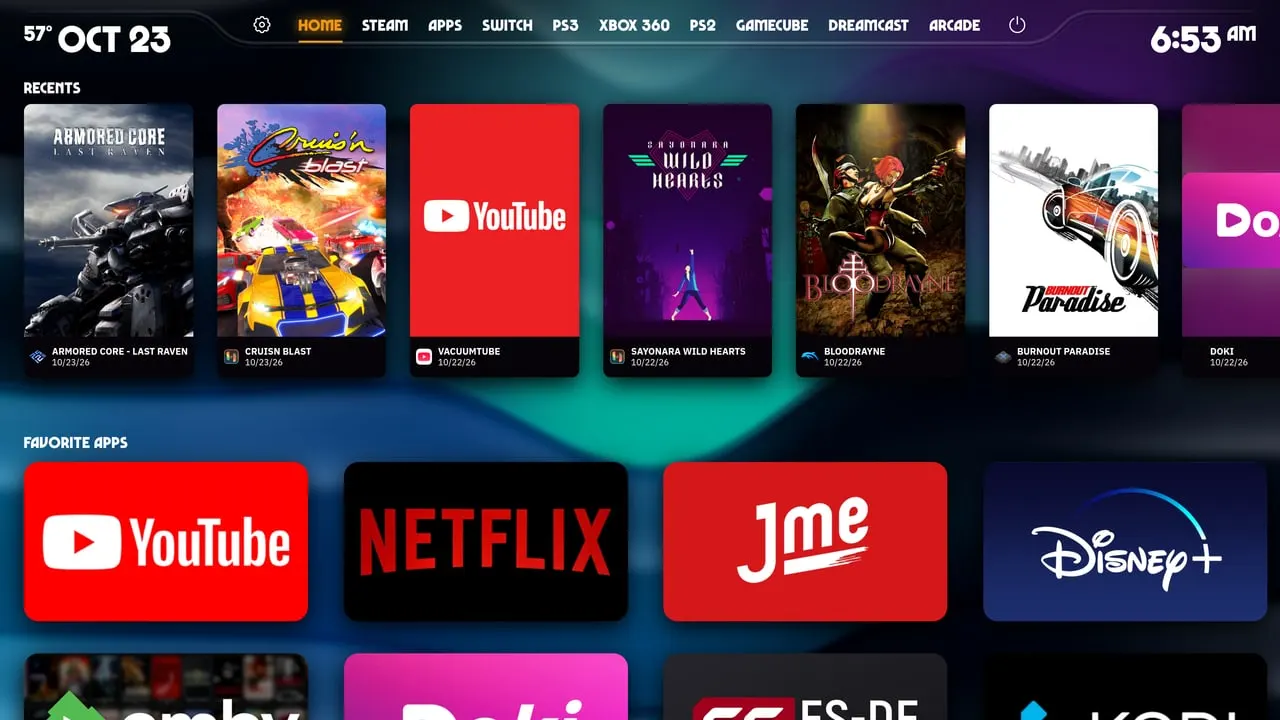
vaporTV is an Android TV–style home screen for a SteamOS box under the TV. Steam games, emulated consoles, arcade sets and streaming apps sit side by side, and the controller in your hand is all it takes.
Open it from Dolphin. The setup window lets you start vaporTV with Gaming Mode, let the controller wake the box, and pick the streaming apps to set up. Click Install.
Click Return to Gaming Mode. A short welcome tour shows the buttons. From here, new versions arrive in Settings → General → Updates.
What you'll need
vaporTV
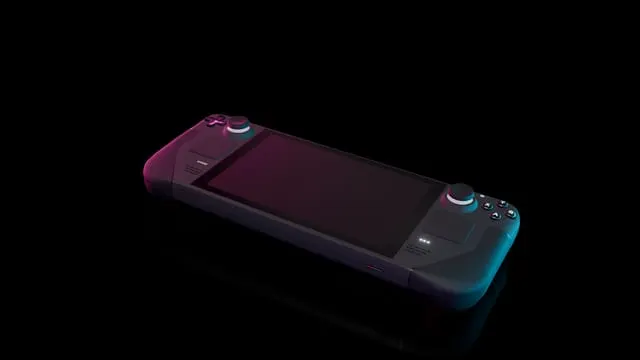
SteamOS 3.7 or later, in Gaming Mode, on a TV. A Steam Deck works docked; handheld is experimental.
Steam games
Nothing more. vaporTV reads your library and collections, dynamic ones included.
Console games
EmuDeck with its emulators and your games in Emulation/roms. vaporTV doesn't emulate anything itself; a console's tab appears once its emulator and games are there.
Cover art
A free SteamGridDB API key, added in Settings → Artwork. Console games also get box art from RetroArch's thumbnails without one.
Streaming
Internet. Netflix, Disney+ and friends open in Chrome (setup installs it); YouTube, Emby, Jellyfin, Plex and Kodi use their own apps.
Wake from controller
Optional: an admin password. SteamOS has none until you run passwd in Konsole.
A look around
Built for ten feet away.
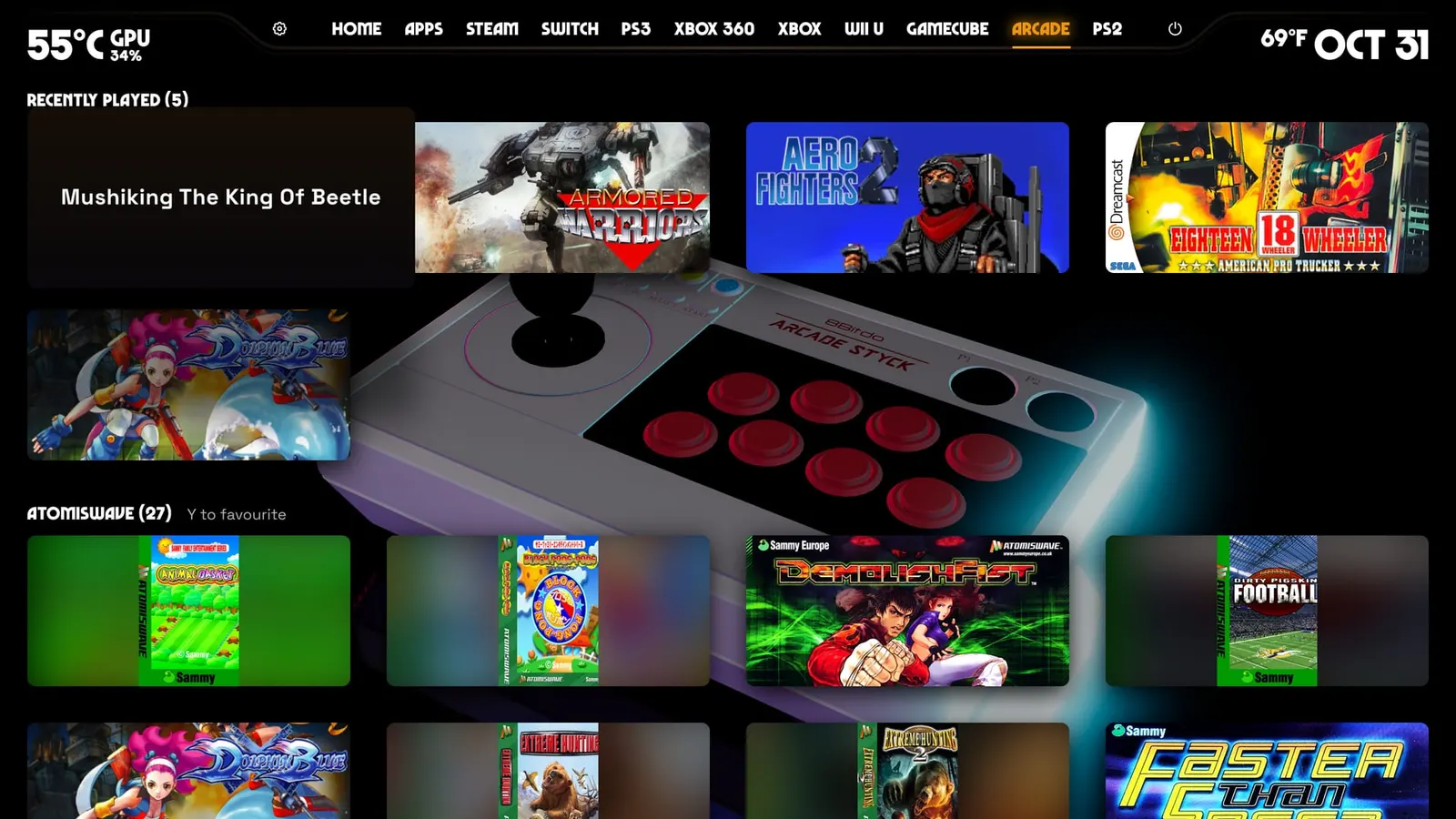
Every console gets a tab
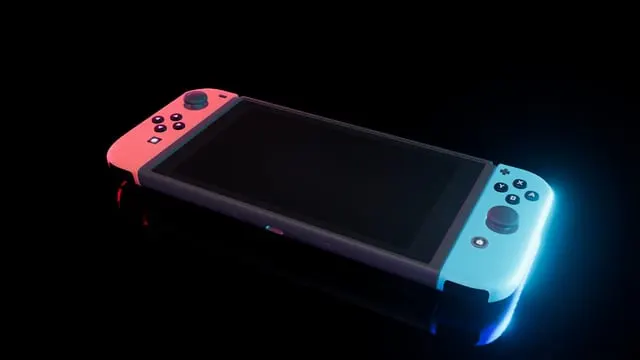
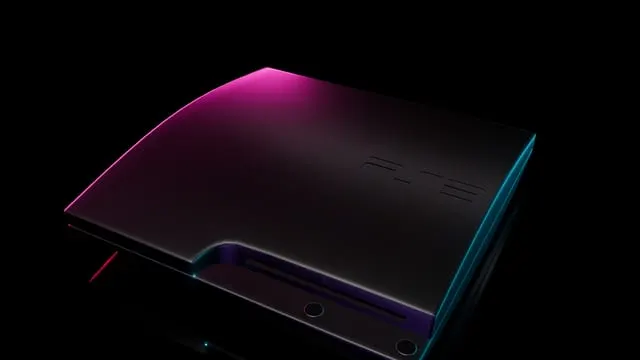
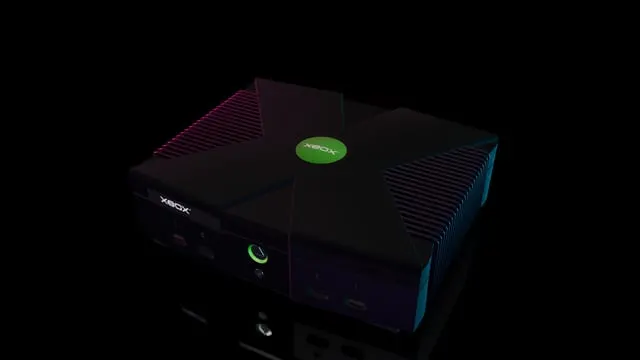
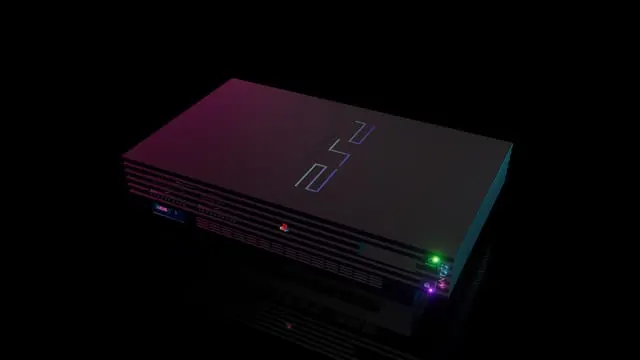
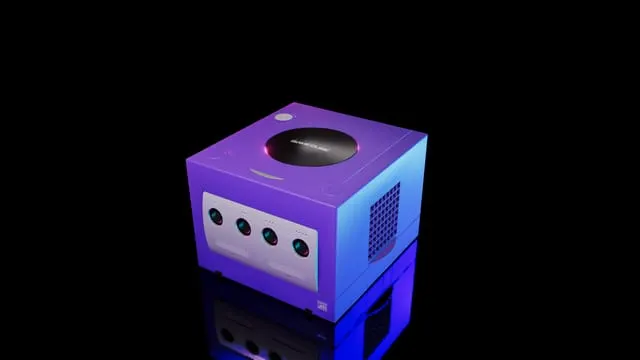
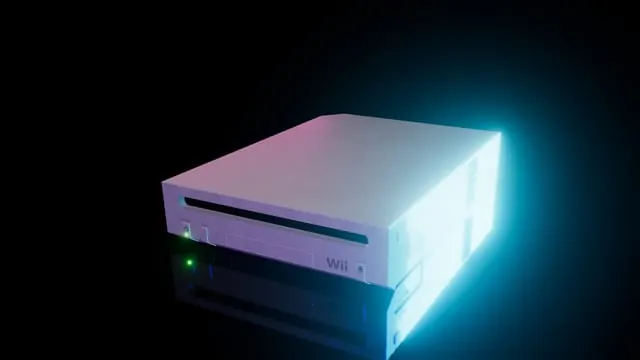
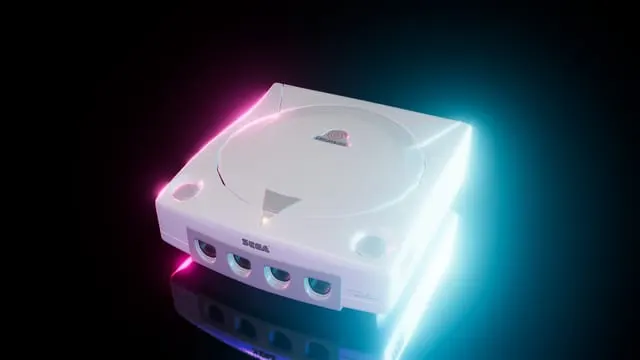
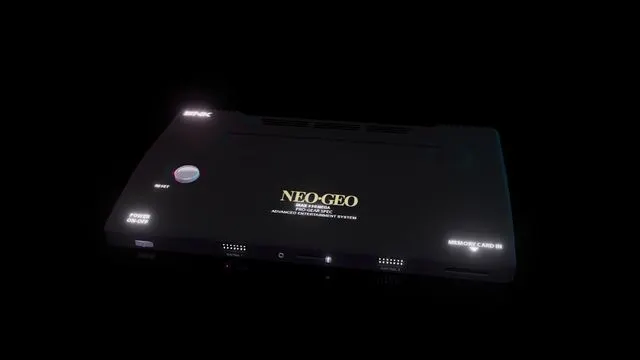
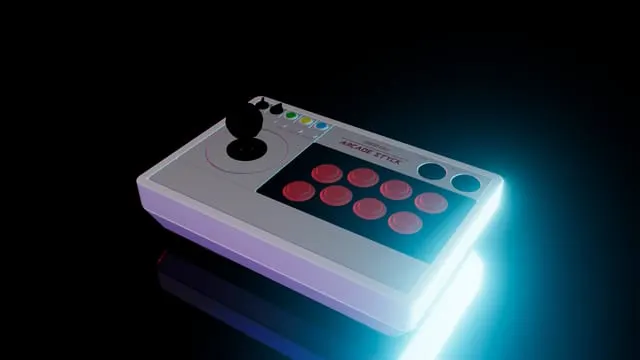
Switch, PS3, Xbox, Xbox 360, PS2, PSX, PSP, GameCube, Wii, Wii U, Dreamcast, Saturn, N64, NES, SNES, Genesis, 32X and Neo Geo, each opening its games in the right emulator. Arcade sets are named from MAME's list and run in RetroArch with the right core.
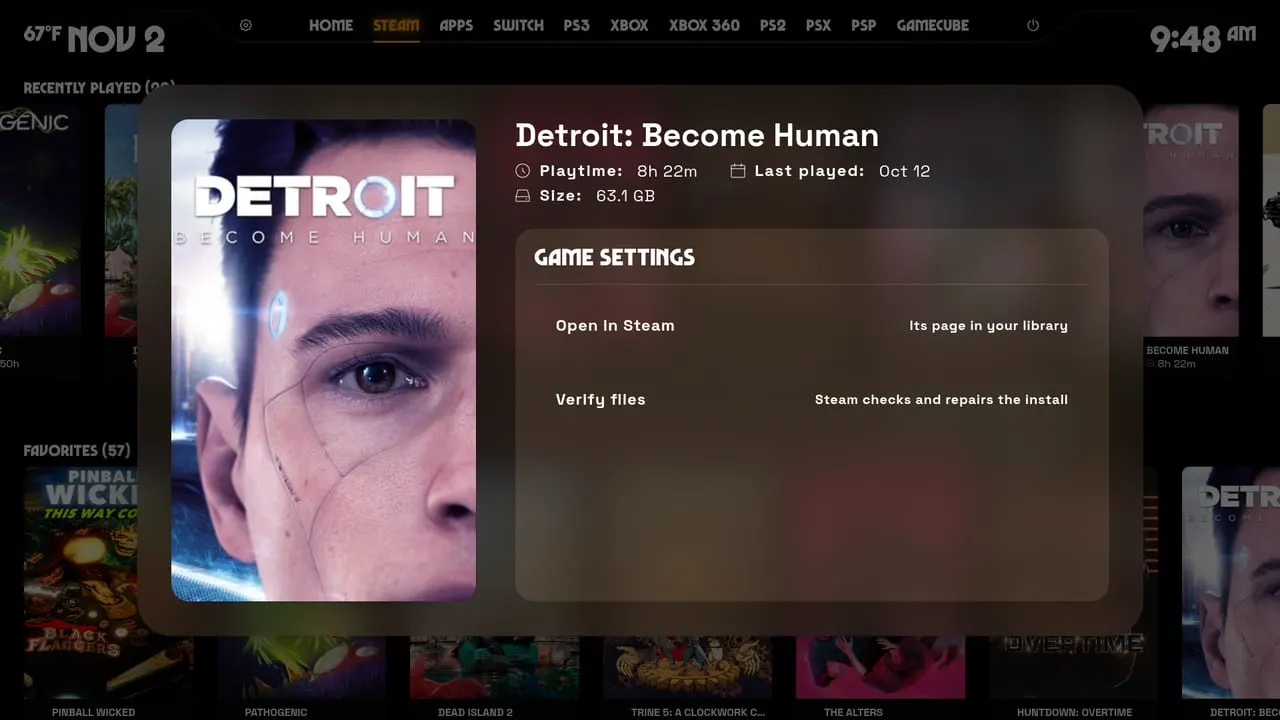
Game options on Start
Cover, playtime and size for any game. Rename it, move it to another emulator, give it new art, or delete it from the drive.
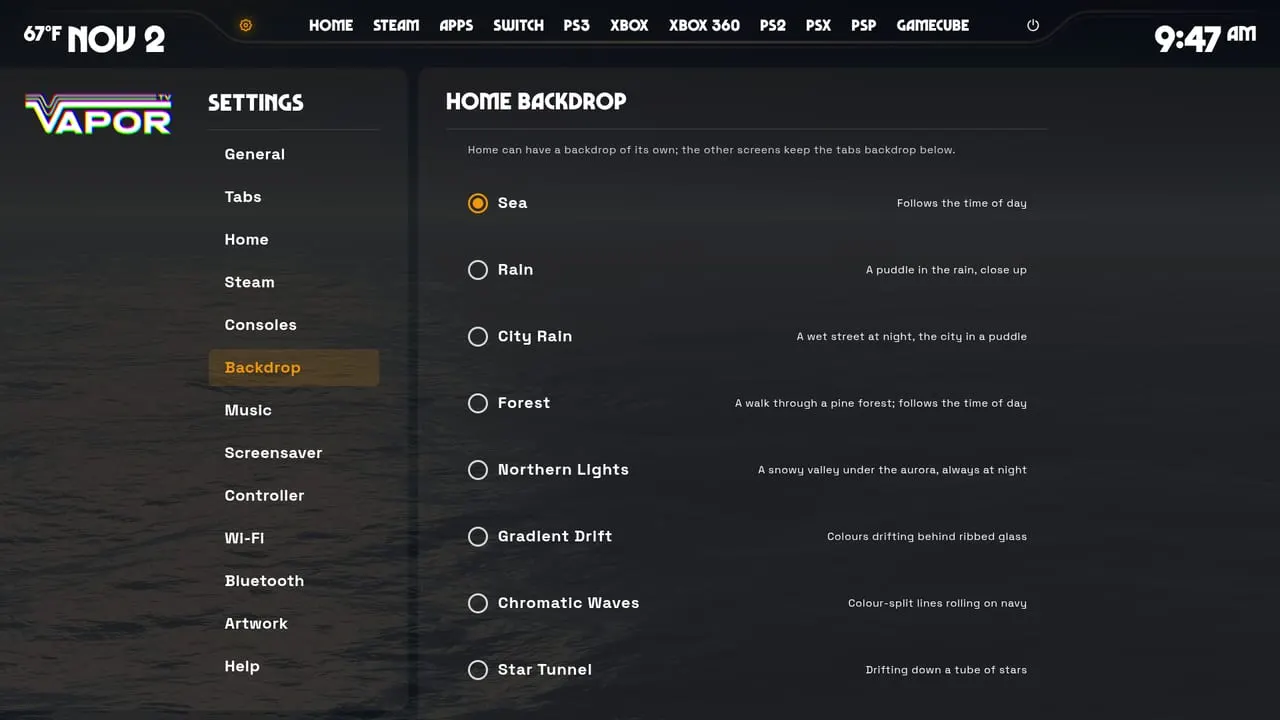
Settings from the controller
Tabs, backdrops, music, button mapping, Wi-Fi and Bluetooth. No keyboard, no Desktop Mode.
Home, your way
Recents and Favorite Apps as carousels or grids, plus Continue watching from your Emby and Jellyfin servers, played full screen with your progress saved back.
A screensaver worth leaving on
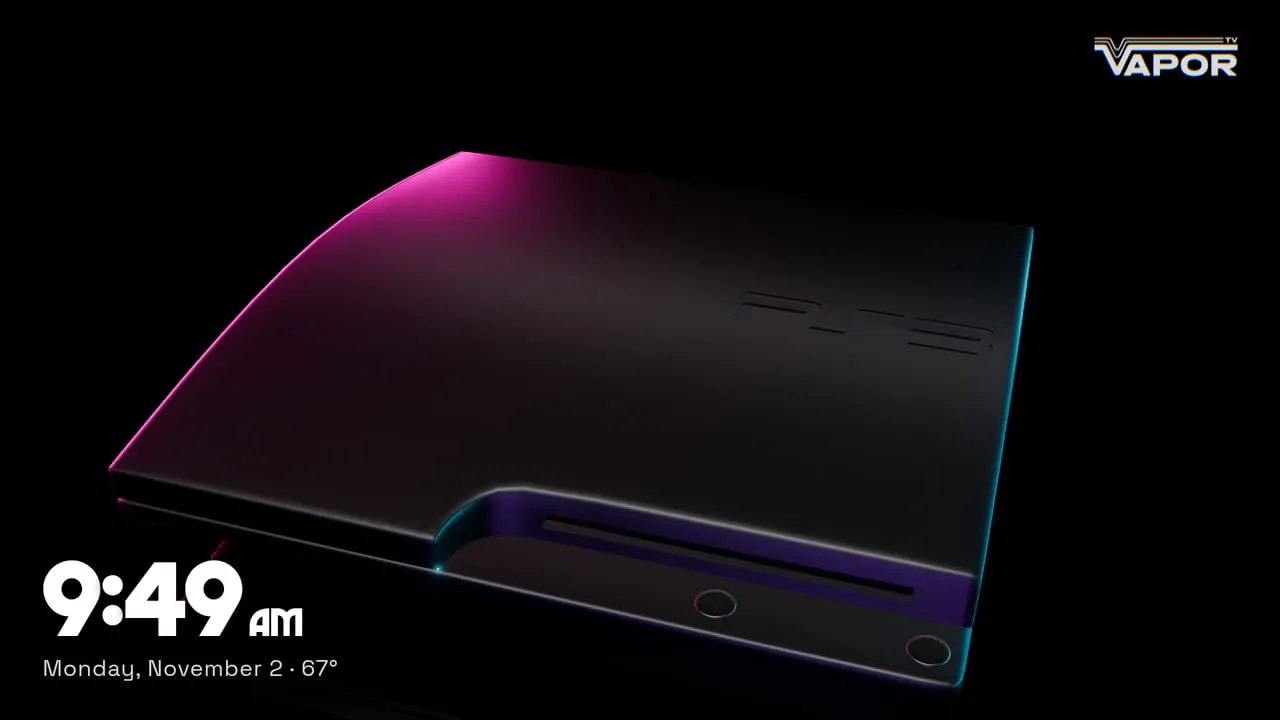
Your game art, Steam screenshots, your consoles in turn, or a clock with the weather. The clock drifts, kind to OLED TVs.
Voice search. Say "play Halo 2" and it starts. Speech is turned into words on the box itself.
Music and ambience. A Music tab for your own library, and background playlists with rain, crickets or waves under them.
Claude, if you have it. With Claude Code on the box, ask for music, a radio station, or help fixing the box, out loud.
Netflix with a controller. vaporTV's own extension gets the pop-ups and scrollbars out of the way.
Files. Browse folders, USB drives and SD cards, and copy games onto the box.
Sleep and wake. Switch the controller off and the box sleeps; switch it on and it wakes. TV remotes work too.
Seven live backdrops, or your own videos and pictures
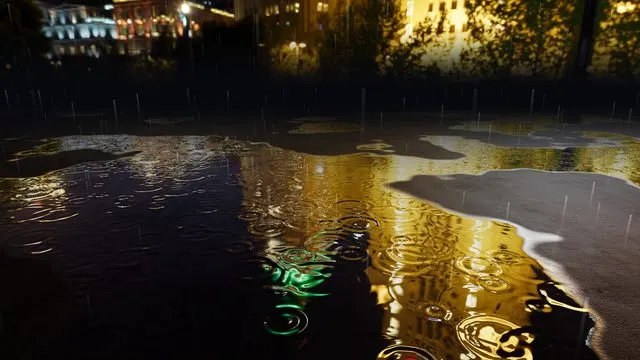
Sea follows the time of dayCity RainGradient Drift seven palettesChromatic WavesStar Tunnel
Controller
Every button does one obvious thing.
AOpen
BBack
L1R1Previous / next tab
YFavorite
XAdd to a playlist
StartGame options
R2Show what each button does
R3Voice search
L3Next song
SelectSettings
Select+StartHold to close a game and come home
Everything but the D-pad and Select + Start can be moved to other buttons in Settings → Controller. A Sofabaton or other TV remote works too.
FAQ
Questions, answered.
Is vaporTV made by Valve?
No. vaporTV is an independent, open-source project. It isn't affiliated with or endorsed by Valve, and it doesn't replace SteamOS: it runs as an app in Gaming Mode, alongside Steam.
Does it cost anything?
No. It's free and licensed under the GPL-3.0. The source is on GitHub.
Does it include emulators or games?
No. vaporTV shows and opens what's already on your box. Set up emulators with EmuDeck and bring your own games; a console's tab appears once its emulator and games are there.
Will it work on a Steam Deck?
Docked to a TV, yes. In your hands it runs and shows the battery, but it's laid out for a TV, so handheld use is experimental.
Can I still get to Steam?
Yes. Steam games open in Steam, and any game's options have Open in Steam. Hold Select + Start to close whatever's running and come back to vaporTV.
How do updates work?
vaporTV checks for new versions, shows what changed, and installs them from the couch. Updates are signed, so it installs only ones that came from vaporTV. If one breaks something, the updates guide walks you back.
What does it collect?
No account, no analytics, no tracking. vaporTV only goes online for something you'd see on screen or something you switched on. The privacy guide lists every service it talks to and why.
How do I remove it?
Open the AppImage in Desktop Mode and click Uninstall.
Put the keyboard away.
vaporTV runs daily on its author's living-room box. It's early, so expect rough edges and please report them.